StumbleUpon is very Effective Social Sharing Site. StumbleUpon is Best and Biggest platform to share high quilt y links and share content.content. Stumbleupon Allow to there user to select there categorize And Get Related post on your Timeline.It is Great way to share your Post your videos and Things.Things. Stumbleupon was found in 2002.2002. Stumbleupon CEO is Garrett Camp .You Can share your Activity with your friends.
How To Create StumbleUpon Account Step by step
Step 1 : Go to
StumbleUpon
Step 2 : Now Click on Start Exploring
[caption id="attachment_5669" align="aligncenter" width="994"]

How to Create An Account on StumbleUpon and Recommend Content[/caption]
Step 3 : After Click on Start Exploring New bar will be open now Fill This
You can Sing up with Facebook
Enter Name
Enter Email
Username
Enter Password
Enter Date of Birth
Select Gender Male or Female
And Click on Sing up
[caption id="attachment_5671" align="aligncenter" width="999"]

How to Create An Account on StumbleUpon and Recommend Content[/caption]
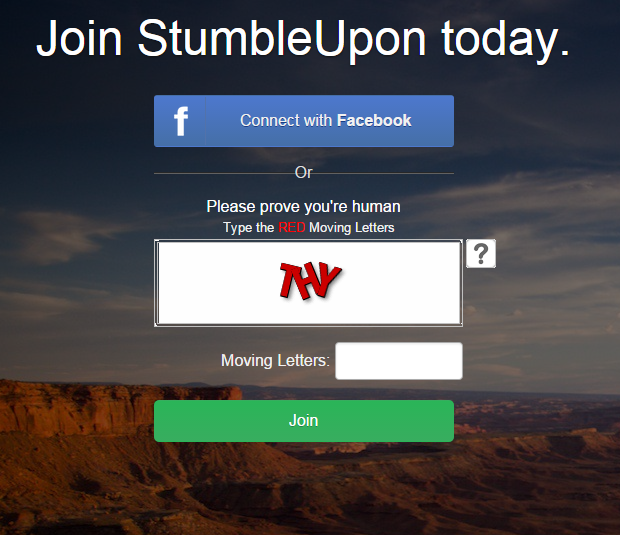
Step 4 : Now After this Step complete Next Step and put words in Empty box and Click on Join
[caption id="attachment_5672" align="aligncenter" width="620"]
How to Create An Account on StumbleUpon and Recommend Content[/caption]
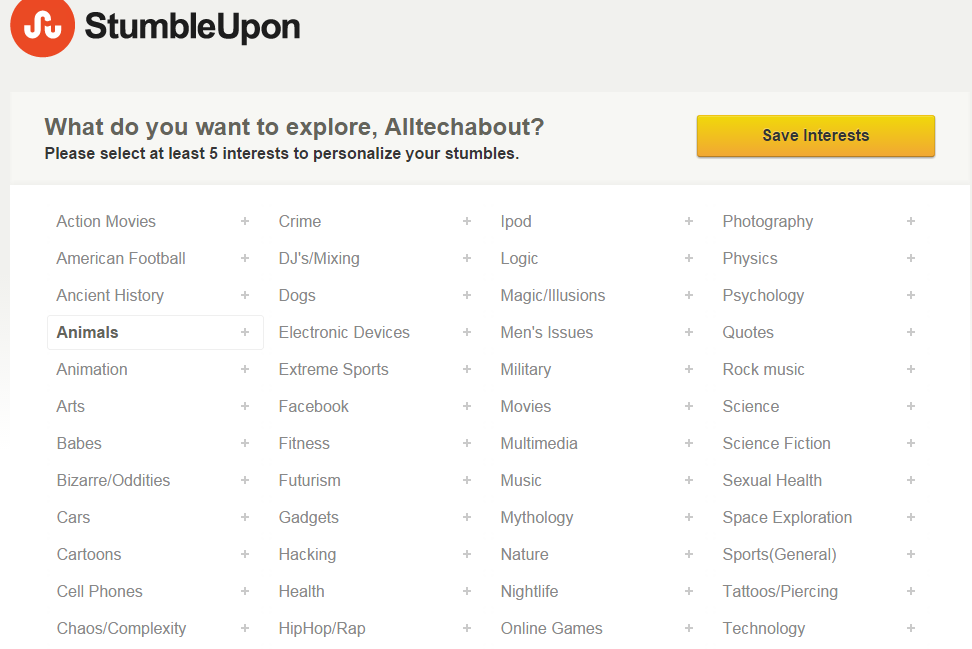
Step 5 : Next Select your interest which you have want to post and share click on Interest after it when you choose auto tick mark
[caption id="attachment_5673" align="aligncenter" width="972"]
How to Create An Account on StumbleUpon and Recommend Content[/caption]
Step 6 : Now StumbleUpon Dashboard open and Start using Complete 1 to 4 Step click on top stumble option
[caption id="attachment_5674" align="aligncenter" width="1006"]

How to Create An Account on StumbleUpon and Recommend Content[/caption]
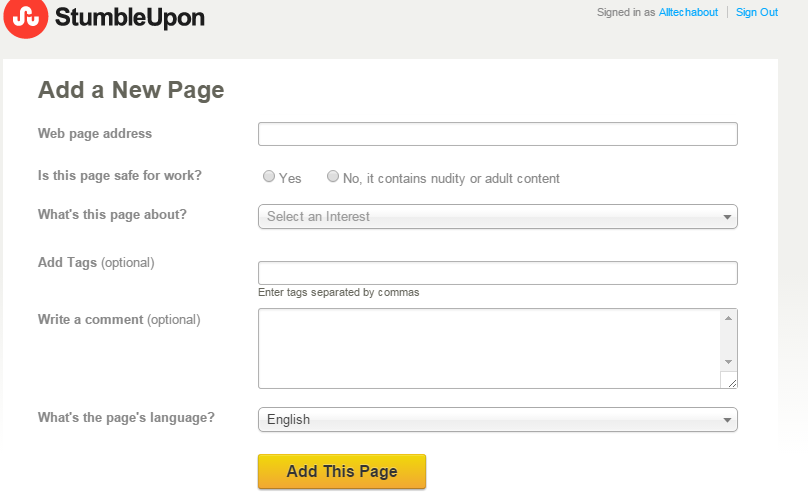
step 7 : Click on home you Can see your Profile dashboard
[caption id="attachment_5675" align="aligncenter" width="808"]
How to Create An Account on StumbleUpon and Recommend Content[/caption]
How To Create a new List and Add
Step 8 : How to Add List click on Beside and Add new list
[caption id="attachment_5676" align="aligncenter" width="1021"]

How to Create An Account on StumbleUpon and Recommend Content[/caption]
How To Add New page in StumbleUpon
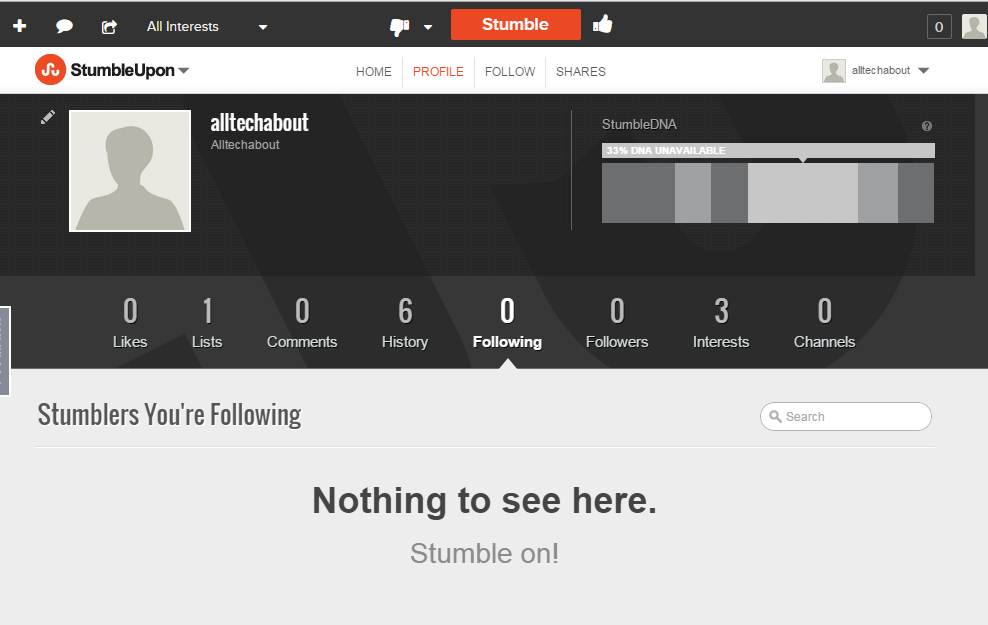
Step 9 : Click on Add a Page and add New page
Web Page Address
Complete option and Click on Add Page
[caption id="attachment_5677" align="aligncenter" width="988"]
How to Create An Account on StumbleUpon and Recommend Content[/caption]
What is
StumbleUpon You See Video and hope it is help full for you.if you need any help about Related post Contact us leave comments
